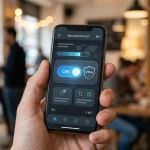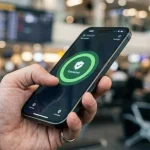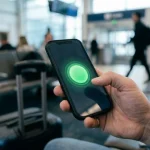
Public Wi-Fi feels convenient because it is everywhere: airports, hotels, cafés, coworking spaces, stadiums, and apartment common areas. The problem is that convenience often hides weak security. Open networks can expose traffic to snooping, fake login pages, malicious devices on the same network, and poorly configured access points that were never built for privacy.
That is why a WiFi VPN matters most in one specific situation: when you are using a network you do not control and still need to send anything sensitive. U.S. government guidance has been consistent on this point. The NSA warns that public Wi-Fi can put credentials, personal data, and devices at risk. The FTC says VPN apps can help secure information sent over public Wi-Fi. CISA advises people to avoid sensitive transactions on unsecured networks and switch to cellular data when possible.
Why public Wi-Fi is risky without a VPN
Public Wi-Fi is shared infrastructure. You are connecting through equipment owned by a business, venue, or third party, often alongside dozens or hundreds of strangers. That creates an environment where attackers have more opportunities than they do on your secured home network.
On an open network, traffic may be exposed in ways most people never see. An attacker may set up a fake hotspot with a familiar name, wait for devices to connect automatically, and then inspect or redirect traffic. Even on a legitimate network, other users on the same Wi-Fi may try to probe nearby devices for weak settings or open services.
The NSA has stated plainly that cyber actors can compromise devices over public Wi-Fi. CISA has warned that open Wi-Fi networks in airports, coffee shops, and similar locations can give attackers a chance to intercept sensitive information used for online transactions. That makes public Wi-Fi less of a casual convenience and more of a calculated risk.
When a VPN is most useful on public Wi-Fi
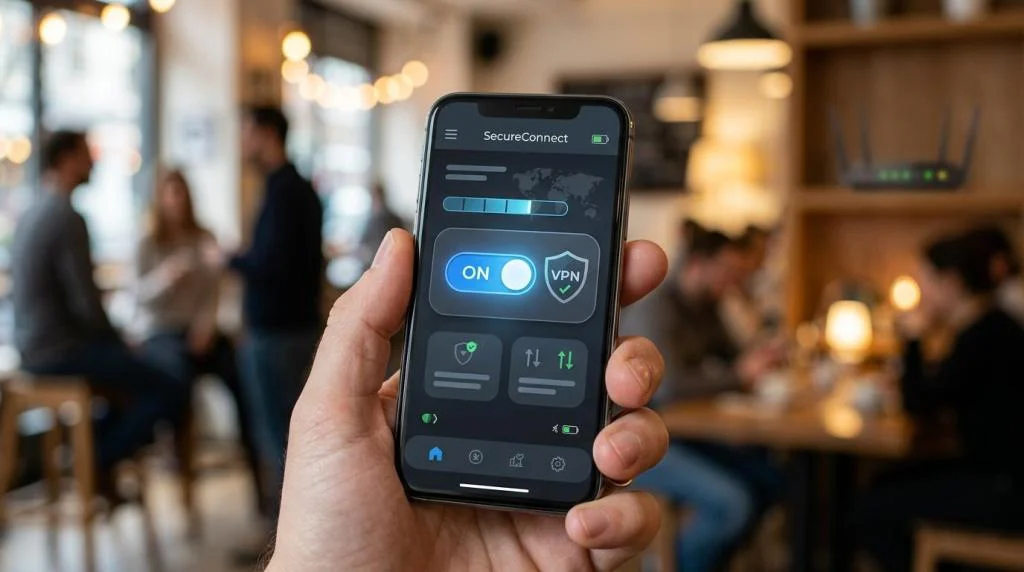
A VPN is most useful when you need encrypted traffic on a network you do not trust. It creates an encrypted tunnel between your device and the VPN server, which helps block local snooping by the Wi-Fi operator, nearby attackers, or anyone trying to inspect traffic between your device and the access point.
You do not need a VPN for every second you are online, but there are moments when turning it on is the smart move.
- Checking financial accounts: banking apps, credit card portals, payment services
- Signing in to work systems: email, internal dashboards, cloud storage, admin tools
- Sending personal documents: tax files, contracts, identity records
- Using travel networks: airports, hotels, trains, conference venues
- Accessing region-sensitive services: streaming libraries, work resources, news sites
- Quick browsing on a trusted home network
A good rule is simple: if losing privacy would matter, or if exposure could cost you money or access, use a VPN or switch to cellular data.
What a WiFi VPN protects and what it changes
A VPN changes who can see your traffic in transit. Without one, a public Wi-Fi operator or a hostile device on the same network may be able to learn more about what you are doing. With one, your traffic is encrypted between your device and the VPN server, and your visible IP address is replaced by the server’s IP address.
That can be especially useful when you travel or work from different places during the week. A VPN adds a private layer over a public network, which is exactly why official guidance often recommends it when public Wi-Fi cannot be avoided.
| Activity on public Wi-Fi | Main risk without a VPN | Does a VPN help? | Better option if available |
|---|---|---|---|
| Reading news or general browsing | Network snooping, tracking | Yes | Trusted home Wi-Fi |
| Logging into email | Credential exposure | Yes | Cellular data |
| Online banking | Sensitive financial data | Yes, but use caution | Cellular data or wait |
| Video streaming | Privacy, throttling, geo access | Yes | Trusted Wi-Fi or wired connection |
| Downloading work files | Interception, exposure of business data | Yes | Corporate VPN or hotspot |
| Software updates | Malicious redirection on bad networks | Somewhat | Trusted network first |
The FTC also notes that a VPN can obscure traffic from an internet service provider or a public Wi-Fi provider, but it does not make you anonymous. That distinction matters. A VPN is about reducing exposure, not becoming invisible.
What a VPN does not do on public Wi-Fi
A VPN is powerful, but it is not magic.
It does not stop you from entering your password into a fake hotel login page or a phishing email. It does not make a malicious app on your phone harmless. It does not replace device updates, strong passwords, multi-factor authentication, or good judgment. If your laptop is infected before you connect, the VPN cannot clean it. If you install a sketchy browser extension, the VPN cannot undo that decision.
Official guidance also includes a caution that often gets missed: VPNs have their own security risks and should be kept updated. That means the app itself matters. Old clients, weak protocols, or unclear privacy practices can create a false sense of safety. Trusting a VPN provider is still a trust decision.
A VPN also does not change the fact that cellular data is often the better choice for highly sensitive tasks. Both the NSA and CISA advise avoiding public Wi-Fi when possible. If you are wiring money, resetting a payroll account, or opening a medical portal, using your own hotspot or mobile connection is usually the stronger move.
How to choose a VPN for public Wi-Fi use
If your main concern is public Wi-Fi, focus less on marketing language and more on security basics, app quality, and operational discipline. You want a provider that encrypts traffic well, does not keep activity logs, updates apps regularly, and offers enough server capacity that performance stays usable in crowded travel environments.
For households and frequent travelers, multi-device support is also practical. Phones, tablets, laptops, and streaming devices move across networks all week. One account that can cover several devices reduces the chance that the most exposed device is the one left unprotected.
- Encryption standard: strong modern encryption, with clear protocol support
- Privacy policy: a strict no-logs policy stated in plain language
- App maintenance: regular updates across Windows, macOS, iOS, and Android
- Network size: enough servers and countries to avoid congestion
- Device coverage: support for multiple simultaneous connections
- Use case fit: streaming, travel, P2P, and remote work features if you need them
A provider like SaviourVPN, which promotes AES-256 encryption, a strict no-logs policy, support for up to 10 devices, and 3,000+ servers in 30+ countries, is clearly positioning itself around the public-WiFi use case. Those are the kinds of signals worth checking because they relate directly to privacy, reliability, and everyday usability.
Public Wi-Fi habits that still matter even with a VPN
Security on public Wi-Fi works best as a stack, not a single switch.
Turn off auto-join for unknown networks. Verify the network name with staff before you connect. Keep your operating system and VPN app updated. Use multi-factor authentication on your email and financial accounts. Disable file sharing when you are on public networks. Prefer apps and sites that use HTTPS, even when your VPN is active.
- auto-join disabled
- file sharing off
- screen lock enabled
- operating system updated
- VPN connected before login
- cellular fallback ready
These habits close gaps a VPN does not cover. They also make you less vulnerable to the kind of simple, opportunistic attacks that show up in busy public places.
Public Wi-Fi VPN use cases for travelers, streamers, and remote workers
Travelers often face the most unpredictable network conditions. Hotel Wi-Fi may be overloaded, airport networks may be open, and conference networks may be full of unmanaged devices. In that setting, a VPN is less about paranoia and more about discipline. You are adding encryption before checking reservations, opening email, or logging into airline, banking, or work accounts.
Remote workers have an even stronger case. Work often involves cloud apps, documents, messaging tools, and admin dashboards that reveal far more than a personal social account ever would. If your employer provides a corporate VPN, use that first for company resources. If not, a reputable personal VPN is still far better than raw public Wi-Fi for routine tasks.
Streamers and gamers are a different case, but still a real one. They may care about privacy, avoiding ISP or local network visibility, or accessing content while traveling. Here, server coverage and speed matter more. A service with a large network and dedicated streaming support can make public-network use more practical, though speed will still depend on the local Wi-Fi quality.
Better alternatives to public Wi-Fi for sensitive activity
The best public Wi-Fi strategy is often to avoid it at key moments. That is not a dramatic statement. It is exactly what official guidance points toward.
If you can switch to cellular data or a mobile hotspot with strong authentication and encryption, do that for banking, medical portals, tax documents, password resets, and business systems with sensitive records. The NSA specifically recommends a mobile hotspot as a safer option when public Wi-Fi cannot be trusted. CISA makes a similar point when advising people to use cellular data instead of unsecured Wi-Fi for sensitive transactions.
This is where context matters. Reading articles in a café is one thing. Filing expense reports, approving wire transfers, or sending passport scans is another. A VPN makes public Wi-Fi safer. It does not make a noisy, shared network equal to your own trusted connection.
Setting up a VPN before you need it on public Wi-Fi
The worst time to choose a VPN is when you are already standing in an airport, battery at 12 percent, trying to access a time-sensitive account. Set it up in advance on the devices you actually carry. Sign in, test several server locations, and confirm that the kill switch or auto-connect setting works the way you expect.
Then make one more decision that pays off later: decide your trigger points. Some people connect the VPN on every unknown network. Others turn it on for hotels, airports, cafés, and any login that touches money or work. Either approach is better than relying on memory in the middle of travel.
Public Wi-Fi does not have to be off-limits. It just needs to be treated with the right level of caution, the right tools, and a clear sense of when a VPN is the smart layer and when cellular data is the better call.