A VPN is often described as a privacy tool, a security tool, or both. That can make it sound more mysterious than it really is.
The simple version is this: a VPN creates an encrypted connection between your device and a VPN server, then sends your internet traffic through that server. That process can make your activity harder for local networks and internet providers to inspect, and it can hide your original IP address from the sites and services you visit. It is useful, practical, and worth having in many situations. It is also not a magic shield.
What VPN security means in plain language
VPN security starts with two ideas: encryption and routing. The encryption helps protect the data moving between your device and the VPN service. The routing changes the path your traffic takes, so websites and apps usually see the VPN server’s IP address instead of your home, office, or hotel network IP.
NIST defines a VPN as a restricted-use logical network often built with encryption and tunneling over a public network. In plain English, that means a VPN creates a protected path through the open internet. Your connection still uses the internet, but the traffic is wrapped in a safer channel on the way to the VPN server.
That matters because your internet connection is exposed to different observers at different points. Without a VPN, your local network owner and your internet provider can often see more about your connection. With a VPN, much of that visibility shifts.
- Encrypted traffic between your device and the VPN server
- Masked original IP address
- Safer use of public Wi-Fi
- Less visibility for the local network owner
- More privacy from the internet provider
How VPN encryption and IP masking actually work
Think of a normal internet connection as sending postcards through the mail. A VPN turns many of those postcards into locked envelopes before they leave your device. The VPN server receives them, opens them, and passes the traffic along to the final destination.
That does not make you invisible. The destination website can still know a lot about you through logins, browser fingerprints, cookies, or the information you choose to share. A VPN changes who sees what along the route. It does not erase your digital identity across the whole web.
EFF guidance makes this distinction very clearly. A VPN can hide outgoing traffic from your ISP and the local network owner, and it can mask your original IP address after traffic leaves the VPN server. The VPN provider itself, though, sits in a position of trust. That is why provider policies and technical safeguards matter so much.
| Situation | Without a VPN | With a VPN |
|---|---|---|
| Public Wi-Fi visibility | Local network may see more connection details | Traffic to the VPN server is encrypted |
| IP address seen by websites | Your original IP is usually visible | VPN server IP is usually visible |
| ISP visibility | ISP can often see more about your connection | ISP sees connection to the VPN, not the full destination details in the same way |
| Privacy from tracking | Limited | Improved in some areas, but tracking can still happen through logins, cookies, and browser data |
| Protection from malware or phishing | No | Still no, unless other tools are used |
Which VPN security features matter most
Not all VPN security is about the tunnel itself. The quality of the surrounding features makes a major difference in daily use, especially when connections drop, networks change, or apps behave unpredictably.
A strong VPN service should be clear about its encryption, traffic handling, and privacy posture. SaviourVPN states that it uses AES-256 encryption, DNS leak protection, a kill switch, and a no-logs policy. Those are the kinds of features many security-conscious users look for because they address common weak points.
It also helps when a service supports multiple devices and platforms. A secure connection is more useful when it can protect the laptop on public Wi-Fi, the phone on mobile and hotel networks, and the tablet used while traveling. SaviourVPN states that one account supports up to 10 simultaneous connections, which is relevant for households as much as for individual users.
- AES-256 encryption: Strong encryption used to protect data in transit between your device and the VPN server.
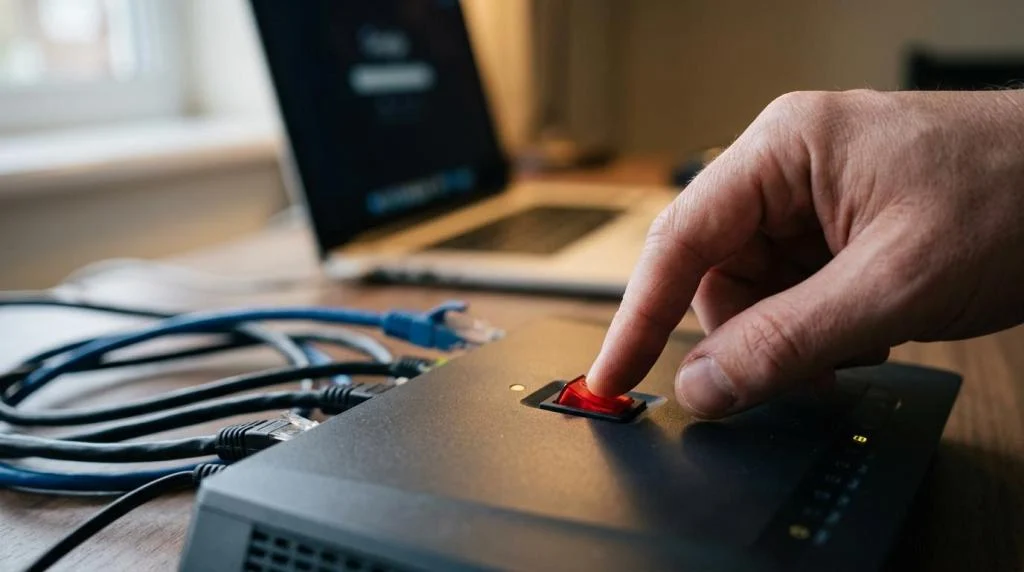
- Kill switch: Blocks internet traffic if the VPN connection drops, helping prevent accidental exposure.
- DNS leak protection: Helps keep DNS requests inside the VPN tunnel instead of leaking to outside resolvers.
- No-logs policy: Signals that the provider says it does not store records of users’ online activity while using the service.
- Multi-device support: Makes it more realistic to keep the VPN on across everyday devices instead of just one.
What VPN security can help protect
One of the clearest use cases is public Wi-Fi. The FTC has warned that free public Wi-Fi networks are often insecure. When you connect in an airport, hotel, coffee shop, or shared workspace, you do not control the network. A VPN adds an encrypted layer that can reduce what others on that network can inspect.
A VPN can also reduce direct exposure of your IP address. That matters for privacy, streaming access, and everyday browsing. If a site or service only sees the VPN server IP, your original address stays out of direct view in many cases.
For remote workers and travelers, this can create a more consistent security baseline. The network changes, but your encrypted VPN connection can stay in place.
What VPN security cannot do by itself
This is the part people often skip, and it is one of the most important.
A VPN does not stop phishing. If you type your password into a fake login page, the VPN does not know that the page is fraudulent. A VPN does not remove malware from a device, fix weak passwords, or stop you from sharing too much information on social platforms. If you are logged into an account, that service still knows who you are.
Official guidance from CISA and NSA also makes another point: VPNs themselves can become targets. Poorly secured or outdated VPN systems can introduce serious risks, including credential theft, weakened encryption, session hijacking, remote code execution, and access to sensitive data on the device. So the phrase “I use a VPN” only means something when the service is maintained well and used alongside other smart security habits.
- A VPN is not antivirus: It does not scan files or block every malicious download.
- A VPN is not identity protection: It cannot stop a data broker, app account, or social network from recognizing you when you log in.
- A VPN is not password security: Reused or stolen passwords remain a problem.
- A VPN is not patch management: Outdated apps and operating systems still need updates.
- A VPN is not total anonymity: The provider, websites, and apps may still have ways to identify activity depending on your behavior.
Why provider trust is part of VPN security
Once your traffic reaches the VPN server, the provider becomes part of your security chain. That is why privacy claims, technical controls, and service quality deserve close attention.
A provider that states a no-logs policy is making an important promise about what it does not retain. A provider that offers DNS leak protection and a kill switch is addressing two common failure points. A provider with a large network can also offer practical flexibility. SaviourVPN states that it operates 3,000+ servers across 30+ locations, which can help users choose faster or more suitable endpoints while spreading demand across the network.
Trust also depends on transparency. The FTC has pointed to privacy and security concerns in parts of the VPN app market, including research into hundreds of VPN apps with potential risks. That is a good reminder that not every VPN app deserves the same level of confidence just because it uses the term “VPN.”
How to evaluate a VPN service for security
The smartest way to compare VPNs is to look past marketing slogans and focus on observable protections. Encryption matters, but so do failure handling, privacy claims, platform support, and operational discipline.
If you stream, travel, work remotely, or use several devices at home, consistency matters almost as much as raw speed. A VPN that is easy to keep on is usually safer than one that is technically strong but rarely used because it feels inconvenient.
When reviewing options, these checkpoints are useful:
- Security features: Look for AES-256 encryption, a kill switch, and DNS leak protection.
- Privacy posture: Read the no-logs policy carefully and check whether the provider clearly explains what data is and is not retained.
- Device coverage: Make sure the service supports the devices you actually use every day.
- Server network: Broad geographic coverage can help with speed, routing choices, and access when traveling.
- Support quality: Fast help matters when a connection issue affects work, streaming, or travel access.
How VPN security fits into a stronger privacy setup
A VPN works best as one layer in a larger security routine. It is a strong layer, but still just one layer.
Pairing a VPN with good device hygiene creates much better results than relying on a single tool. That means keeping operating systems updated, using multi-factor authentication, choosing strong passwords, and being cautious with links, downloads, and browser permissions. If the device itself is compromised, encrypted traffic alone will not solve the problem.
For households, a VPN can be a practical baseline because it can protect several devices under one account and reduce exposure across many daily activities. SaviourVPN states it supports up to 10 devices per account, which fits the way many families now split usage across phones, laptops, tablets, and streaming hardware. The security value grows when protection is applied consistently, not just occasionally.
- Strong passwords: Use unique passwords for each account and store them in a password manager.
- Multi-factor authentication: Add a second check for sign-ins wherever possible.
- Software updates: Patch operating systems, browsers, and apps quickly.
- Safer browsing habits: Be skeptical of unexpected links, attachments, and login prompts.
VPN security becomes much easier to judge once the hype is removed. It is a highly effective way to encrypt traffic, hide your original IP address, and make public or unfamiliar networks safer to use. For many people, that is reason enough to keep one on every day. The real win comes from using a VPN for what it does very well, while also recognizing where other tools and habits still matter.