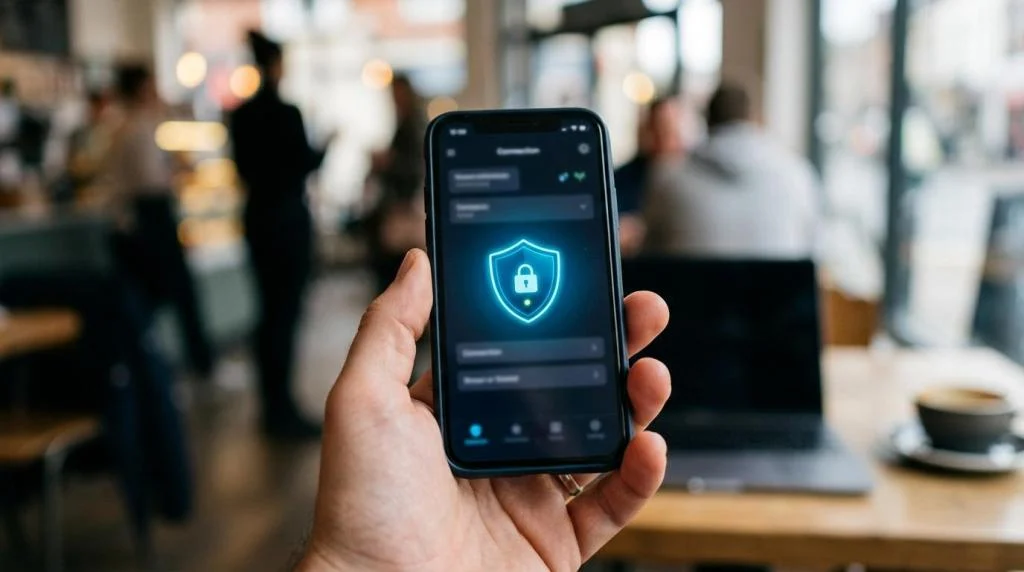
When people see the padlock icon in a browser, it is easy to assume their internet activity is fully private. That assumption makes sense, but it is incomplete.
HTTPS and VPN encryption both protect data in transit, yet they do not protect the same part of your connection. HTTPS uses TLS to secure communication between a client and a web server. A VPN creates an encrypted tunnel between your device and a VPN server, which means it covers far more than a single website visit.
That difference matters every day, whether you are checking bank statements on home Wi-Fi, streaming on hotel internet, or logging in to work tools from an airport lounge.
What VPN encryption and HTTPS encryption actually protect
At a high level, HTTPS is website-focused. It secures the traffic between your browser and the site you are visiting. MDN describes HTTPS as the encrypted version of HTTP and notes that TLS encrypts communication between client and server. That is why HTTPS is standard for logins, online shopping, banking, and form submissions.
VPN encryption is connection-focused. Instead of protecting only one browser session, it encrypts traffic as it travels from your device to the VPN server. Your local network, internet service provider, and other nearby observers see encrypted VPN traffic rather than the details of the apps and sites you use inside that tunnel.
These technologies overlap, but they are not interchangeable.
| Question | HTTPS/TLS | VPN encryption |
|---|---|---|
| What is encrypted? | Browser-to-website traffic | Device-to-VPN-server traffic |
| Main scope | A specific site or service using HTTPS | Most internet traffic from the device |
| Who can see less? | The website path is protected from outsiders | ISP and local network see less of your activity |
| Does it cover non-browser apps? | Usually no | Usually yes |
| Does it replace the other? | No | No |
How HTTPS encryption works in normal browsing
When you visit a site that uses HTTPS, your browser and the server negotiate a secure TLS session. After that, the data exchanged between the two sides is encrypted. If you submit a password, payment details, or a message, someone on the same Wi-Fi network should not be able to read that content just by watching the traffic.
This is a major security gain. Mozilla has pointed out that HTTPS helps prevent attackers from seeing information you submit to a site. That is one reason modern browsers push users away from plain HTTP pages and warn when a site is not secure.
Still, HTTPS is not the same as total privacy. HTTPS protects the content of the exchange, but it does not make the rest of the browsing session invisible. A website still knows you visited it. Your browser still connects directly to that site. Your ISP or local network may still know which site or service you connected to, even if it cannot read the exact page contents.
That last point is where confusion often starts. HTTPS is excellent at keeping the conversation private between you and the site. It is not built to hide the fact that the conversation is happening.
How VPN encryption works across your device
A VPN changes the path your traffic takes. Instead of your device connecting straight to a website or app server, it first creates an encrypted tunnel to a VPN server. The VPN server then sends the request onward to the destination.
Cloudflare’s documentation describes this clearly: the VPN server decrypts the user’s data and then connects to the internet to reach the web server. That means your ISP sees an encrypted connection to the VPN, not a readable list of the sites, apps, and services you are using inside the tunnel.
This wider scope is the reason a VPN can protect much more than browser tabs. It can cover apps that sync in the background, video streaming tools, gaming services, software updates, and other traffic generated by the device.
A VPN usually covers:
- Browser traffic
- Streaming apps
- Messaging tools
- Background sync
- Operating system services
That broader protection makes a real difference on public Wi-Fi. If you connect at a café, hotel, airport, or co-working space, the local network operator should not be able to inspect the contents of your traffic inside the VPN tunnel. Your visible IP address to websites also changes to the VPN server’s IP, which adds another layer of separation between you and the destination.
Key differences between VPN encryption and HTTPS encryption
The easiest way to think about the distinction is this: HTTPS protects a conversation, while a VPN protects the road leading to many conversations.
If you open a secure website without a VPN, the site session itself can be safe, but your device still connects directly through your ISP or local network. If you use a VPN and then visit an HTTPS site, the traffic is usually protected twice: once by the VPN tunnel, and again by HTTPS between the VPN server and the website.
This dual layer is common and useful. It means the coffee shop Wi-Fi cannot inspect the site session, your ISP has less visibility into what you are doing, and the website still gets the normal TLS protections it expects.
The practical differences look like this:
- HTTPS protects: the connection between your browser and the website
- VPN protects: the path between your device and the VPN server
- HTTPS leaves visible: some connection metadata, including the destination site in many situations
- VPN leaves visible to the provider: that you are using its service, which is why provider trust matters
There is also an important limit that often gets missed. A VPN does not magically fix an insecure website. If a site still uses plain HTTP, the VPN encrypts traffic only up to the VPN server. From that server to the website, the traffic may still be unencrypted. Mozilla has warned that not every site supports HTTPS, and that matters here. A VPN improves privacy on the local network and from your ISP, but HTTPS is still needed for secure client-server communication.
When HTTPS alone is fine and when a VPN adds more protection
If you are visiting a reputable website over HTTPS from a trusted home network, HTTPS may be enough for the specific task in front of you. Logging into a bank site, placing an order, or reading a secure webmail session can be reasonably protected at the browser-to-site level.
The picture changes when your privacy concern extends beyond that single site. Maybe you do not want your ISP building a clearer profile of the services you use. Maybe you are on a hotel internet. Maybe your device is running several apps in the background, not just one browser tab. In those cases, a VPN gives you wider coverage.
A few common examples make the split easier to see:
- Public Wi-Fi: A VPN adds meaningful protection because the local network is outside your control
- Streaming while traveling: A VPN can secure the connection path and route traffic through another server location
- Household privacy: A VPN can reduce what the ISP sees across multiple apps and devices
For remote workers and families, the device-level reach is often the deciding factor. One encrypted website session is useful. Protecting the broader connection across laptops, phones, tablets, and streaming devices is a different category of privacy.
Why using both VPN encryption and HTTPS makes sense
These two systems work best together, not in competition.
When you use a VPN and then visit an HTTPS website, the traffic is layered. The VPN tunnel protects the route from your device to the VPN server. HTTPS protects the exchange between the client and the web server. Each tool covers a different segment of the path.
That layered setup is one reason modern privacy habits do not stop at checking for a padlock icon.
SaviourVPN states that it uses AES-256 encryption along with 4096-bit DH key encryption, DNS leak protection, and a no-logs policy. The service also states that it operates 3,000+ servers across 30+ countries and supports up to 10 simultaneous device connections. For households or people who switch between phones, laptops, and smart TVs, that kind of device coverage matters because privacy is rarely limited to one browser on one machine.
Performance also matters. Any encrypted tunnel adds some overhead, but a larger server network gives users a better chance of finding a nearby option with lower latency. That is especially useful for streaming, gaming, and video calls, where security and speed need to coexist.
What websites, ISPs, and VPN providers can still see
No privacy tool makes you invisible to everyone. It is better to think in terms of reducing exposure and choosing which parties can see which parts of your activity.
With HTTPS alone, the website you visit can still identify your session through your account, cookies, and browser behavior. Your ISP may not read the page contents, but it can still learn quite a bit about the destinations you connect to. With a VPN, your ISP sees far less of that destination detail, but the VPN provider becomes part of the trust chain.
That is why privacy features beyond raw encryption matter.
- No-logs policy: This limits what a provider says it stores about your activity
- DNS leak protection: This helps keep DNS requests inside the protected tunnel
- Clear encryption details: Publicly stated standards make it easier to assess the service
- Server choice: More locations can improve both speed and flexibility
Encryption is only one piece of the privacy model. Logging practices, DNS handling, app design, and account policies all shape the actual outcome.
How to choose the right protection for daily internet use
A strong starting point is simple: always expect websites to use HTTPS, and use a VPN when you want broader protection for the connection itself. That covers most real-world needs without forcing a false choice between the two.
If you are comparing VPN services, look past generic claims and focus on details that are stated plainly. Strong encryption, a no-logs policy, DNS leak protection, wide server coverage, and support for multiple devices all matter more than marketing slogans.
The smartest habit is not choosing HTTPS or VPN encryption. It is recognizing what each one does well, then using both where they count.